
Streaming tutorials
Get your station on air
Choosing broadcasting software is one of the first steps in setting up an internet radio station. These guides cover a range of options, from simple encoders to full radio automation software.
Pick the software you're using and follow the guide to connect it to your SHOUTcast or Icecast stream.
Browse the guides
Broadcasting software
Choose your software
Five practical guides to help you get connected. The options range from free encoders to paid broadcasting software.
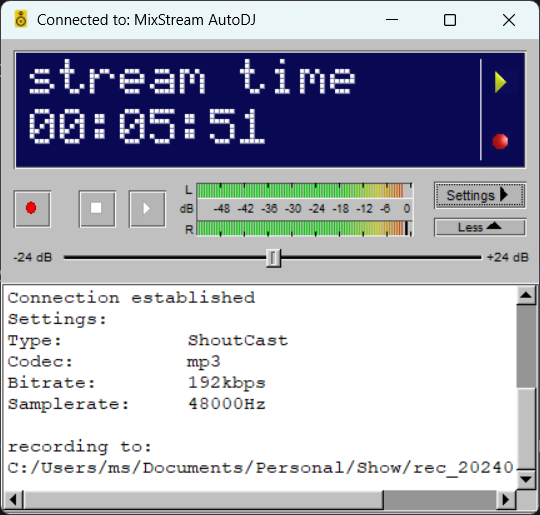
BUTT (Broadcast Using This Tool)
A straightforward way to broadcast to SHOUTcast or Icecast. A good choice if you want a simple encoder without a full radio automation system.
Read the BUTT guide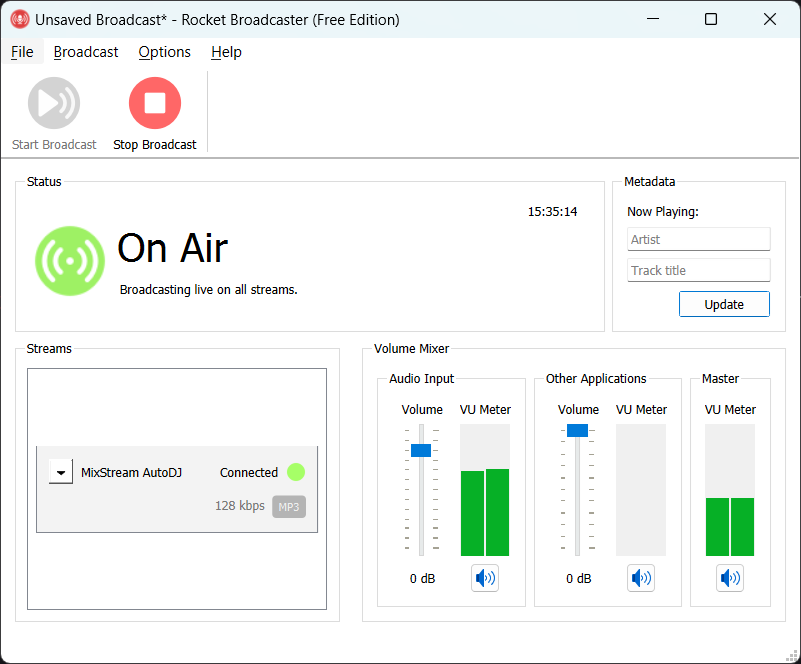
Rocket Broadcaster
An easy-to-configure encoder for SHOUTcast and Icecast, with useful features such as reading track details from other software.
Read the Rocket guide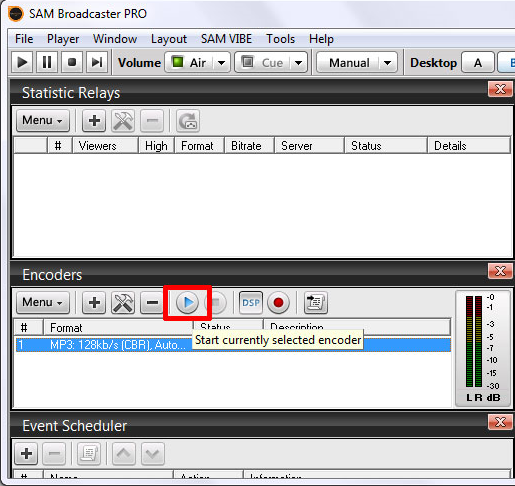
SAM Broadcaster
A more advanced option with multiple decks and built-in automation, suitable for stations that need a fuller broadcasting setup.
Read the SAM guide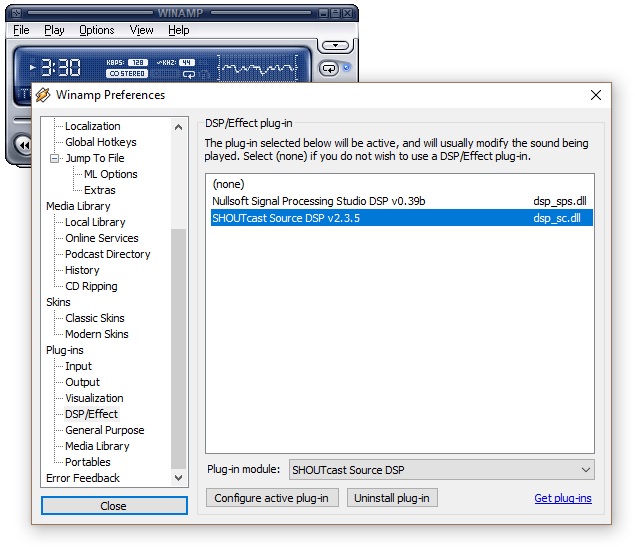
Winamp with SHOUTcast DSP
Broadcast audio playing on your computer using Winamp and the SHOUTcast DSP plugin.
Read the Winamp guideAltacast
Previously known as Edcast or Oddcast. It supports SHOUTcast and Icecast, although setup takes a few extra steps and development appears to have stopped.
Read the Altacast guide